

Run nodes on Chainstack
Start for free and get your app to production levels immediately. No credit card required. You can sign up with your GitHub, X, Google, or Microsoft account.Wallets
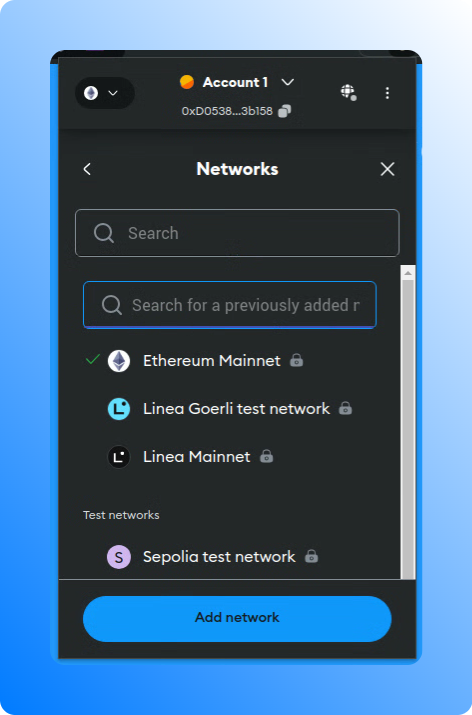
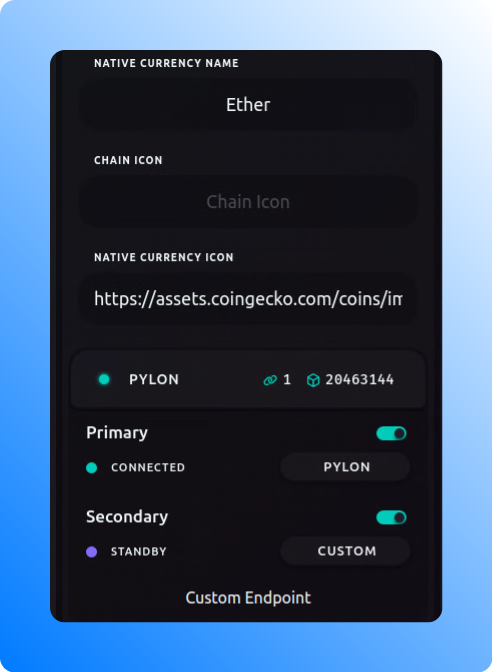
Wallets allow the addition of custom RPC endpoints either by directly modifying the settings of an existing network (e.g., Ethereum) or by adding a custom network and specifying a custom RPC endpoint. To obtain the address of your RPC endpoint, navigate to the node details on the Chainstack console and locate the Execution client HTTPS endpoint in the Access and credentials section. When adding a new network, you need a chain ID which you can on resources like chainlist.org or chainlist.wtf.MetaMask
Trust Wallet
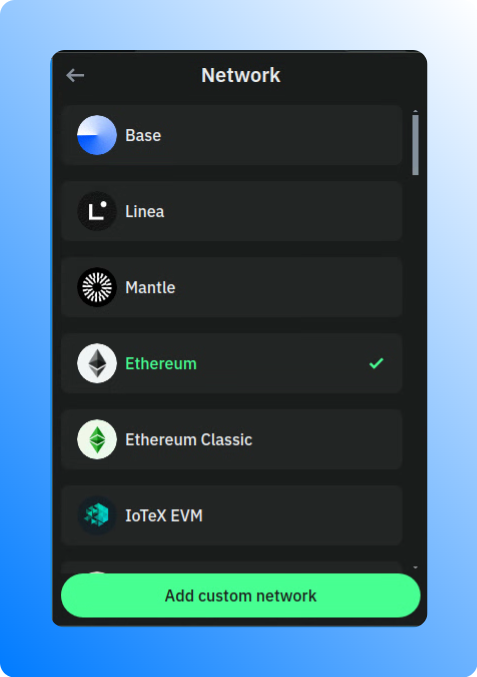
Rainbow
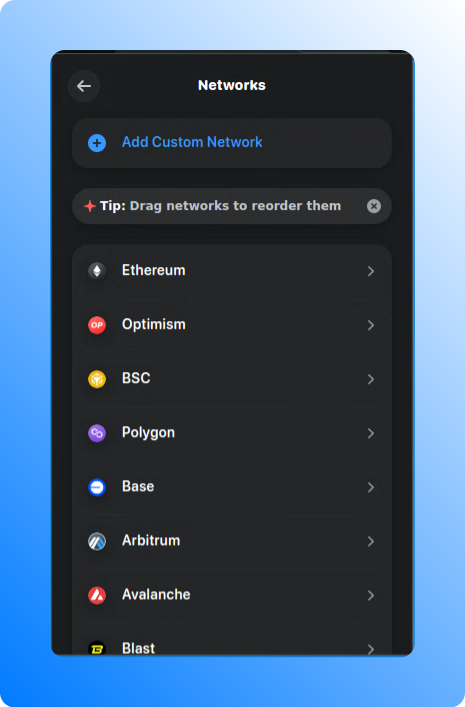
Rabby
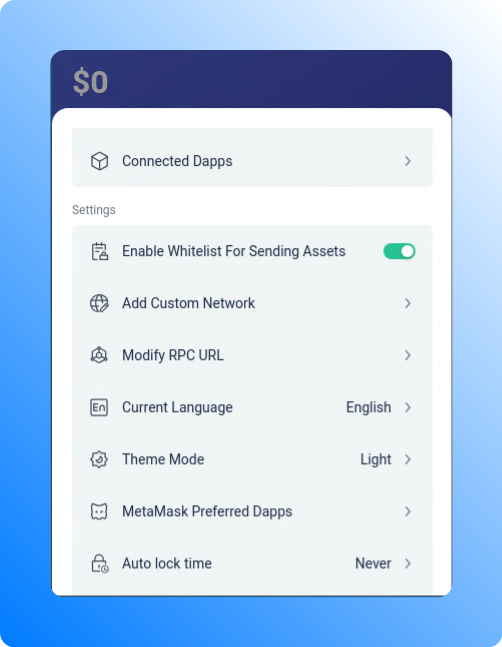
Frame Desktop
IDEs
Cloud-based IDEs provide the flexibility to use injected providers. MetaMask is the most commonly used one. By adding a Chainstack RPC node in MetaMask and connecting to the wallet in your IDE, you can seamlessly interact with the network throught a Chainstack node.Remix IDE
To enable Remix IDE to interact with the network through a Chainstack node, you can follow these steps:- Install and set up MetaMask to use a Chainstack node for interaction. You can refer to the guide on Interacting through MetaMask for detailed instructions.
- Open Remix IDE and go to the Deploy tab (or Deploy and run transactions tab). Here, select Injected Provider - MetaMask as your environment.
ChainIDE
To enable Remix IDE to interact with the network through a Chainstack node, you can follow these steps:- Install and set up MetaMask to use a Chainstack node for interaction. You can refer to the guide on Interacting through MetaMask for detailed instructions.
- Open ChainIDE and navigate the Connect Wallet button. Here, select Injected Web3 Provider and then MetaMask.
Programming languages and libraries
Communication protocols
WebSockets and HTTP are essential communication protocols in web applications. WebSockets enable two-way, persistent communication between a client and a server, useful for real-time price feeds, live transaction monitoring, and event notifications. In contrast, HTTP follows a one-way, request-response model, ideal for retrieving periodic price updates and transaction histories.web3.js
Build DApps using web3.js and Ethereum nodes deployed with Chainstack.ethers.js
Build DApps using ethers.js and Ethereum nodes deployed with Chainstack.web3.py
Build DApps using web3.py and Ethereum nodes deployed with Chainstack.Nethereum (.NET)
Build DApps using Nethereum and Ethereum nodes deployed with Chainstack.viem
Build DApps using viem and Ethereum nodes deployed with Chainstack.Querying and indexing tools
Chainstack subgraphs (GraphQL)
GraphQL can be utilized on Chainstack Subgraphs to query indexed blockchain data. You can deploy your own subgraph or use subgraphs, already deployed subgraphs for major DeFi applications. There are multiple tools and libraries available for that. Please check our tutorials on subgraphs.Development frameworks and toolkits
Foundry
Configure Foundry to deploy contracts using Chainstack Ethereum nodes.Configure environment in Foundry
.env file in your project root and add your Chainstack endpoint and private key:foundry.toml file to include the Chainstack network:Before deploying, ensure that your contracts are compiled. This step is crucial to avoid deployment issues.
To use the Chainstack endpoint for deployment, you can use the following command:
script folder, for example Deploy.s.sol:Hardhat
Configure Hardhat to deploy contracts using Chainstack Ethereum nodes.Configure environment in Hardhat
.env file in your project root and add your Chainstack endpoint and private key:hardhat.config.js file to use the Chainstack endpoint:To deploy your contracts using the Chainstack endpoint, you can create a deployment script in the `scripts` folder, for example deploy.js:
Scaffold-ETH 2
Configure Scaffold-ETH 2 to deploy contracts using Chainstack Ethereum nodes.Add your Chainstack endpoint and private key to the .env.local file
Modify the packages/hardhat/hardhat.config.ts file to configure the Chainstack endpoint. Locate the networks section and add or modify the configuration for the Chainstack networks
Truffle (no longer maintained)
Configure Truffle to deploy contracts using Chainstack Ethereum nodes.Configure environment in Truffle
.env file in your project root and add your Chainstack endpoint and private key:truffle-config.js file to use the Chainstack endpoint:Create a migration script in the migrations folder to deploy your contract (migrations/1_deploy_contract_name.js)
Ape
Configure Ape Framework to deploy contracts using Chainstack Ethereum nodes. Before performing the following steps, you can set up and activate a virtual environment.Configure environment in Ape
ape-config.yaml file in your project root:To deploy your contracts using the Chainstack endpoint, you can create a deployment script, for example scripts/deploy.py
Compile contracts. Before deploying, ensure your contracts are compiled. Ape automatically compiles contracts when deploying, but you can manually compile them if needed
Brownie (no longer maintained)
Configure Brownie to deploy contracts using Chainstack Ethereum nodes.Configure environment in Brownie
--force if a folder is not empty):.env file and add your Chainstack endpoint and private key:brownie-config.yaml file in your project root:scripts/deploy.py file: